
How to connect RSS feeds for live updates
How to connect RSS feeds for live updates

RSS Feeds
RSS Feeds
RSS Feeds
By Cristina Blanco
The recent update to Narrativa® Navigator introduces the ability to connect RSS feeds as data sources, adding a new method for automatic and scheduled content integration. This enhancement complements the platform’s existing options for data sources, including live and local CSVs, providing greater flexibility to tailor workflows to your needs.
In this article, we’ll explore how to connect an RSS feed, the benefits it offers, and how it can transform your projects by enabling you to create automated content in seconds.
What is an RSS feed, and why should you use it?
RSS feeds are powerful tools that enable you to fetch regular updates from a data source. By connecting them to Narrativa® Navigator, you can automate data input from a specific URL and transform it into structured content. These feeds are ideal for projects requiring frequent data updates, such as news, trends, or dynamic information.
Step-by-step: Connecting an RSS feed in Narrativa® Navigator
Connecting an RSS feed in Narrativa is a straightforward process that ensures seamless data synchronization. Here’s how to do it:
- Access the Data Sources Section
Go to your project and navigate to the data configuration section, where you can manage all your data sources. - Select “Connect RSS”
Choose the option to connect an RSS feed and input the required details:- Dataset Name: Provide an identifiable name to streamline management.
- Description: Optional but helpful for adding context about the feed’s purpose.
- Tags: Add relevant tags to categorize the feed and make it easier to find later.
- RSS Feed URL: Enter the address of the RSS feed you want to connect.
- Configure Scheduled Updates
Like live CSV connections, you can schedule the frequency with which the platform checks and updates the data. This ensures your content stays current in real time, provided the RSS feed is regularly updated. - Data Transformation
The platform automatically processes the RSS feed, creating a structured table from the extracted data. This enables you to use these inputs efficiently to generate automated content.
The importance of configuring data correctly
A crucial aspect of connecting an RSS feed is the correct selection and configuration of the data to import. Identify which columns are essential for your project and assign them the appropriate data type (text, number, date, etc.). This ensures more efficient processing and guarantees that the generated narratives are accurate and relevant.
Benefits of using RSS feeds in Narrativa® Navigator
- Real-time updates: RSS feeds ensure your content always reflects the most recent information.
- Total automation: Without manual uploads, data is synced automatically according to the schedule you set.
- Time savings: Extracting and processing data directly from an RSS feed significantly reduces the time spent preparing content.
- Flexibility and customization: Adjust RSS configurations to suit your specific needs, ensuring only relevant information is imported.
- Seamless integration: Like other data sources, RSS feeds integrate fully into the Narrativa ecosystem, ensuring compatibility and smooth project workflows.
RSS as a data input for automated content
Imagine creating content automatically in seconds: articles based on breaking news, real-time analysis, or any narrative relying on dynamic data. RSS feeds unlock this potential, becoming an essential tool for keeping content fresh, relevant, and in sync with changes in your environment.
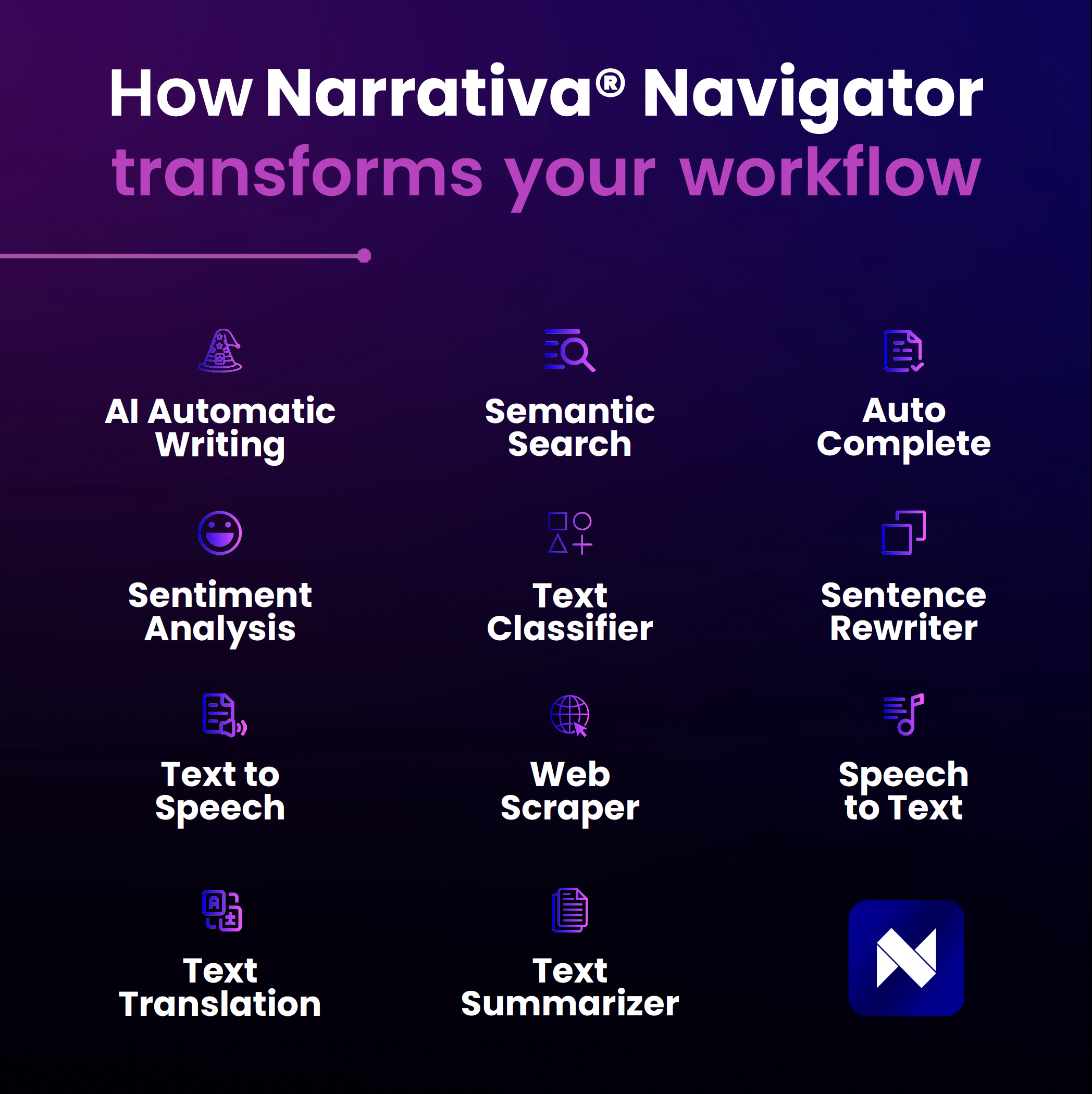
Narrativa: Innovation and automation
With Narrativa® Navigator, the goal is to simplify content creation while expanding customization possibilities. With the integration of RSS feeds, we take another step toward efficient automation, providing you with the tools needed to stay ahead.
Ready to explore this functionality? Connect your first RSS feed today and experience the difference real-time automation can make in your projects.
About Narrativa
Narrativa® is the global leader in generative AI content automation. Through the no-code Narrativa® Navigator platform and the collaborative writing assistant, Narrativa® Sidekick, organizations large and small are empowered to accelerate content creation at scale with greater speed, accuracy, and efficiency.
For companies in the life sciences industry, Narrativa® Navigator provides secure and specialized AI-powered automation features. It includes complementary user-friendly tools such as Clinical Atlas, Narrative Pathway, R-Developer for TLFs, and Redaction Scout, which operate cohesively to transform clinical data into submission-ready regulatory documents. From database to delivery, pharmaceutical sponsors, biotech firms, and contract research organizations (CROs) rely on Narrativa® to streamline workflows, decrease costs, and reduce time-to-market across the clinical lifecycle and, more broadly, throughout their entire businesses.
The dynamic Narrativa® Navigator platform also supports non-clinical industries such as finance, marketing, and media. It helps teams drive measurable impact by creating high-quality, scalable content on any topic. Available as a self-serve SaaS solution or a fully managed service, built-in AI agents enable the production, refinement, and iteration of large volumes of SEO-optimized news articles, engaging blog posts, insightful thought leadership pieces, in-depth financial reports, dynamic social media posts, compelling white papers, and much more.
Explore www.narrativa.com and follow on LinkedIn, Facebook, Instagram, and X. Accelerate the potential with Narrativa®.
