

In automated content creation, access to relevant and up-to-date data is crucial. The new Web Scraper functionality in Narrativa® Navigator, our agentic AI platform, revolutionizes this process, allowing you to extract web content easily and effectively. With just a URL and a few instructions, this AI agent gathers data so you can start working with it in seconds.
What is web scraping?
Web scraping is a technique that automatically extracts data from a webpage, transforming the visible content (such as text, tables, or images) into a format you can use for various purposes. Instead of manually copying information from a website, scraping does the job for you in mere moments.
Imagine you want to gather the headlines and descriptions from the latest articles on a blog you follow. Doing it manually would involve opening each page, copying the text, and organizing it in your document. With web scraping, all you need is the blog’s URL, and a tool like Narrativa’s Web Scraper will automatically extract all that information, organizing it into a table for your convenience.
You don’t need any programming knowledge or to understand complex codes—the platform handles everything, from accessing the site to formatting the data into a usable form.
What is the web scraper and how does it work?
Following this explanation, here’s how our Web Scraper works: it is an intelligent tool that transforms webpages into structured data you can use directly in your projects. Simply provide the URL of the page you wish to scrape, and the system will automatically extract the content. Additionally, you can include specific instructions to narrow down the data you want to save, ensuring you only capture what you need.
The extracted content becomes a resource you can combine with other Narrativa® Navigator functionalities, such as AI Agents (Recipes) and advanced configurations, to transform raw data into dynamic and personalized narratives.
Step-by-step: how to use the web scraper
- Access AI Agents: Navigate to the AI Agents section within the Narrativa platform and add a new column. Before starting, ensure you have a URL of the content you want to scrape as a data source column to automate the process.
- Select “Web Scraper” from the AI functionalities: Choose the Web Scraper feature and name your AI Agent.
- Enter the webpage URL: Input the URL of the webpage containing the content you wish to extract. Remember: this must correspond to a data source column.
- Add specific instructions: If you have particular requirements—such as extracting only tables, paragraphs, headers, or multimedia elements—define these instructions to fine-tune the results.
- Choose the export format: Decide whether you want the data in HTML or Markdown format, depending on your needs and workflow.
- Process and review the extracted content: Once the scraping is complete, Narrativa® Navigator will generate a preview of the extracted data. You can review and edit the results before incorporating them into your project.
Benefits of using Narrativa’s web scraper
- Speed and efficiency: The Web Scraper eliminates the need to manually gather content, reducing hours of work to mere minutes.
- Flexibility: With the ability to specify extraction instructions and choose formats, this tool adapts seamlessly to any project, from data analysis to content generation.
- Compatibility: Extracted content integrates smoothly with other platform functionalities, allowing you to use it in recipes, customize it, or convert it directly into automated narratives.
- Unlimited access to resources: From news articles to blogs, reports, or any public webpage, the Web Scraper expands your creative possibilities by granting access to a wealth of resources.
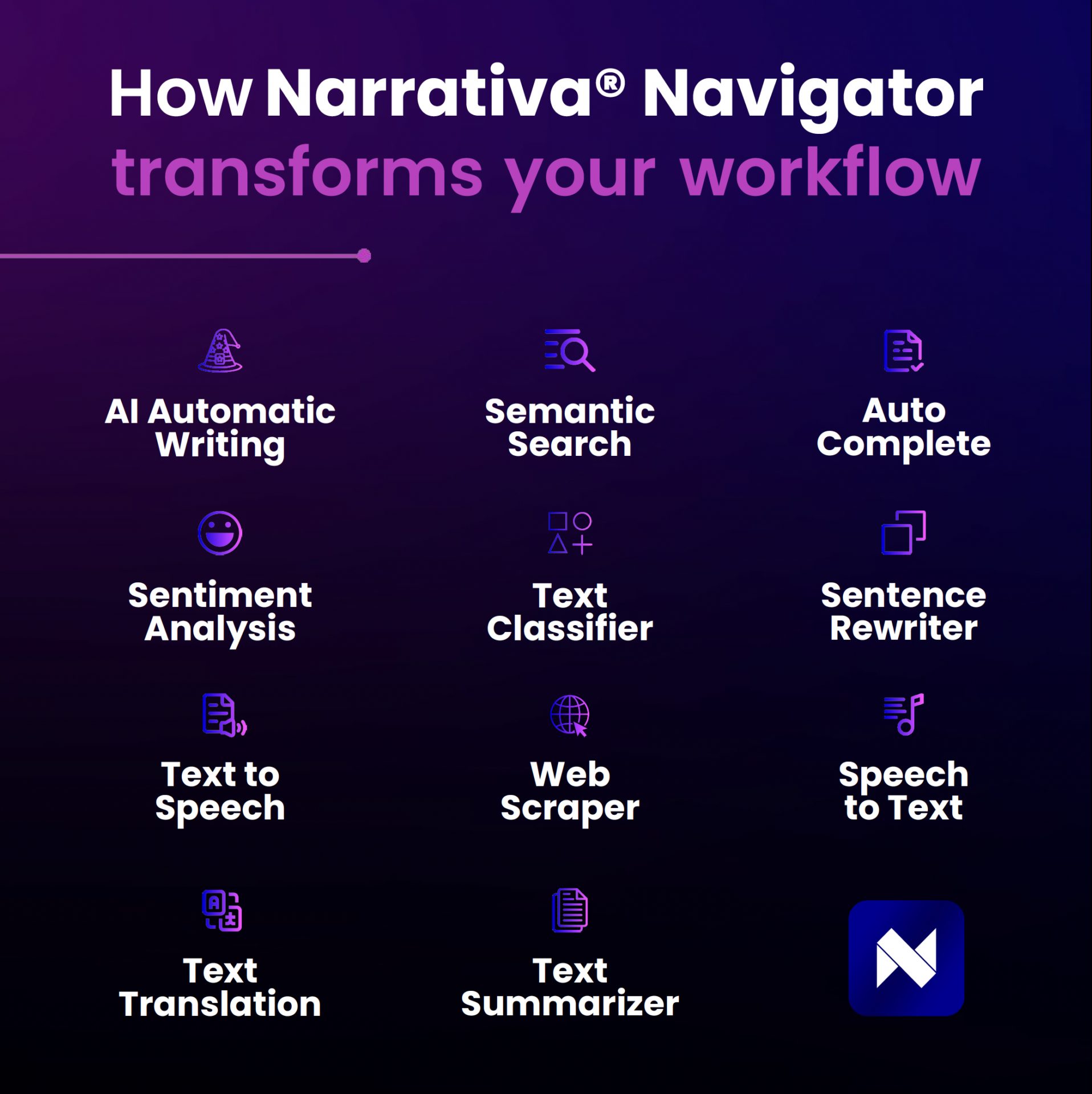
Use cases to elevate your content
- Create automatic summaries: Extract news articles and convert them into concise summaries using automated recipes.
- Analyze trends: Scrape data from various sources to identify patterns or emerging themes.
- Enhance existing content: Integrate up-to-date information from external pages to enrich your narratives.
How to extract company websites using a web scraper
To extract company websites efficiently, start by identifying the column in your dataset that contains the URLs. Use the Web Scraper feature in Narrativa Navigator to automate this process. Simply input the column as the data source, and specify any additional criteria to refine your extraction.
Stay ahead with our latest updates, including enhanced data extraction capabilities and user-friendly interfaces that make web scraping accessible to everyone.
Narrativa: Innovation at the service of your creativity
With the addition of the Web Scraper, Narrativa expands its value proposition, providing cutting-edge tools to work with data efficiently. Harness the power of automation and artificial intelligence to streamline processes and maximize the impact of your projects.
Ready to take your content creation to the next level? Explore the Web Scraper and start gathering data effortlessly. Your creativity, powered by AI, will know no bounds.
Explore more on data collection techniques and AI functionalities in our related articles.
About Narrativa
Narrativa Agentic AI solutions unlock a faster, smarter future for life sciences organizations, helping them to efficiently produce complex, high-volume documentation for regulatory and commercialization workflows. By automating content creation, Narrativa delivers greater speed, accuracy, and consistency—while ensuring full compliance in highly regulated environments.
Narrativa Navigator Platform provides secure and specialized Agentic AI-powered automation features. It includes complementary user-friendly tools such as the Medical Authoring Companion for CSR and Protocol generation, BioStat Developer for AI Agents for TLF generation and SDTM and ADaM dataset generation, Narrative Pathway, and Redaction Scout, which operate cohesively to transform clinical data into submission-ready documents for regulatory and commercialization. From database to delivery, pharmaceutical sponsors, biotech firms, and contract research organizations (CROs) rely on Narrativa to streamline workflows, decrease costs, and reduce time-to-market across the clinical lifecycle and, more broadly, throughout their entire businesses.
Explore www.narrativa.com and follow on LinkedIn, Facebook, Instagram, and X.