

In automated content creation with artificial intelligence, data is the cornerstone. Properly locating, preparing, and configuring your data sources not only ensures the quality and accuracy of the generated content but also prevents errors and duplications that could disrupt your workflows. One of the most critical steps in this process is creating a Unique Identifier (Unique ID)—a key feature of Narrativa® Navigator.
In this article, we’ll explore what a Unique Identifier is, how to configure it correctly, and tips to optimize its use in your projects.
What is a unique identifier and why is it important?
A Unique Identifier (Unique ID) is a distinctive value assigned to each row of your dataset. This ID allows the platform to distinguish between different data points, avoiding duplicates and ensuring that each element is processed independently.
Benefits of a Unique Identifier:
- Prevents errors: Avoid data duplication, ensuring accuracy in the narratives generated.
- Optimizes data management: A Unique ID ensures that each row is processed correctly within the workflow.
- Facilitates scalability: When working with large datasets, a Unique Identifier ensures clean and efficient processing.
Step-by-step: how to configure a Unique Identifier in Narrativa
Configuring a Unique Identifier on the platform is a straightforward process, but it requires attention to detail to ensure your data is properly structured.
- Upload your data to the platform: You can upload a CSV file from your computer, import data from a cloud source, or use an RSS feed.
- Select the relevant columns: Once your data is uploaded, choose the columns you want to include in your dataset. You can select all columns or only the ones relevant to your project.
- Choose a column as the Unique Identifier (Unique ID): This is the most crucial step. On the Data Configuration screen, select a column containing unique values, such as pre-existing IDs or reference numbers. Ensure that the chosen identifier does not contain duplicates. The platform will highlight any errors so you can correct them before proceeding.
- Combine columns for a composite identifier: If you don’t have a column with unique values, you can combine multiple columns. For example, you could concatenate “Name” and “Date” to create a Unique Identifier like:
John_Doe_2025-03-11.
Once done, click “Finish” to complete the process. Your dataset will be ready to use for content generation.
Tips and best practices for creating Unique Identifiers
Use pre-existing columns when possible
If you already have a column with unique values, such as IDs or product codes, use it directly to save time and minimize errors.
Strategic concatenation
When combining columns, choose ones that are genuinely distinctive. For example, avoid using “City” if multiple rows could share the same value.
Avoid special characters
When creating composite identifiers, use only alphanumeric characters and underscores (_). This ensures that the IDs are compatible with various formats and tools.
Test your data
Before finalizing the configuration, review a sample of your data to ensure the identifiers are unique and error-free.
Document your identifier logic
If you’re working in a team, document how the Unique Identifier is generated so all members understand its structure and purpose.
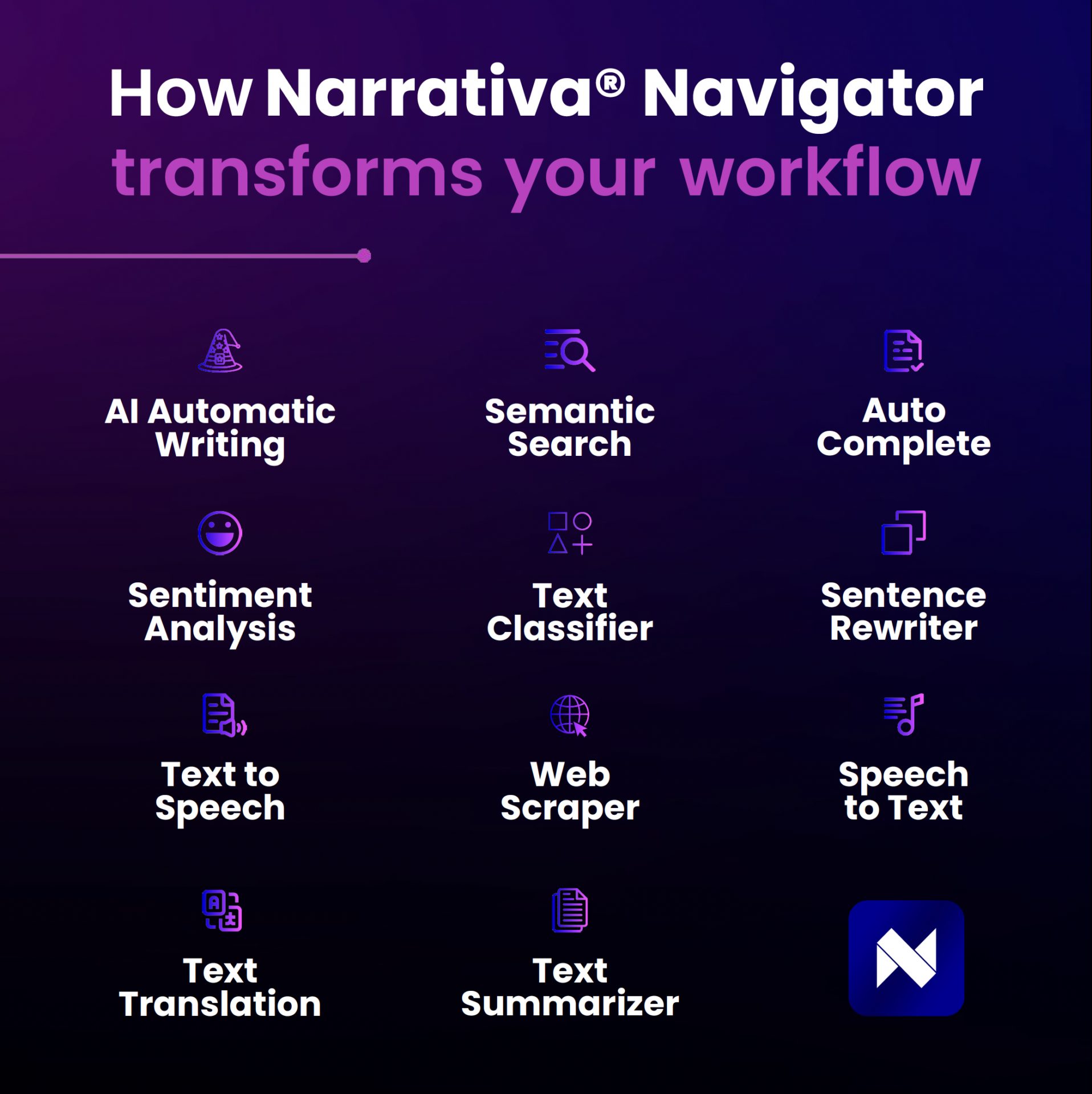
Narrativa: innovation and ease in data management
At Narrativa® Navigator, we strive to offer tools that are not only innovative but also user-friendly. The Data Configuration functionality ensures that you can start creating AI-powered content from a solid foundation, optimizing every step of the process.
From uploading to configuring your data, our platform intuitively guides you so you can focus on what matters most: creating high-quality content.
Ready to take your projects to the next level? Explore Narrativa® Navigator and discover how proper data management can transform your content creation experience.
About Narrativa
Narrativa Agentic AI solutions unlock a faster, smarter future for life sciences organizations, helping them to efficiently produce complex, high-volume documentation for regulatory and commercialization workflows. By automating content creation, Narrativa delivers greater speed, accuracy, and consistency—while ensuring full compliance in highly regulated environments.
Narrativa Navigator Platform provides secure and specialized Agentic AI-powered automation features. It includes complementary user-friendly tools such as the Medical Authoring Companion for CSR and Protocol generation, BioStat Developer for AI Agents for TLF generation and SDTM and ADaM dataset generation, Narrative Pathway, and Redaction Scout, which operate cohesively to transform clinical data into submission-ready documents for regulatory and commercialization. From database to delivery, pharmaceutical sponsors, biotech firms, and contract research organizations (CROs) rely on Narrativa to streamline workflows, decrease costs, and reduce time-to-market across the clinical lifecycle and, more broadly, throughout their entire businesses.
Explore www.narrativa.com and follow on LinkedIn, Facebook, Instagram, and X.